
A little curiosity.
A measure of joy.
From a tiny object to the curve of a circle.
Your everyday tools, right on your screen.
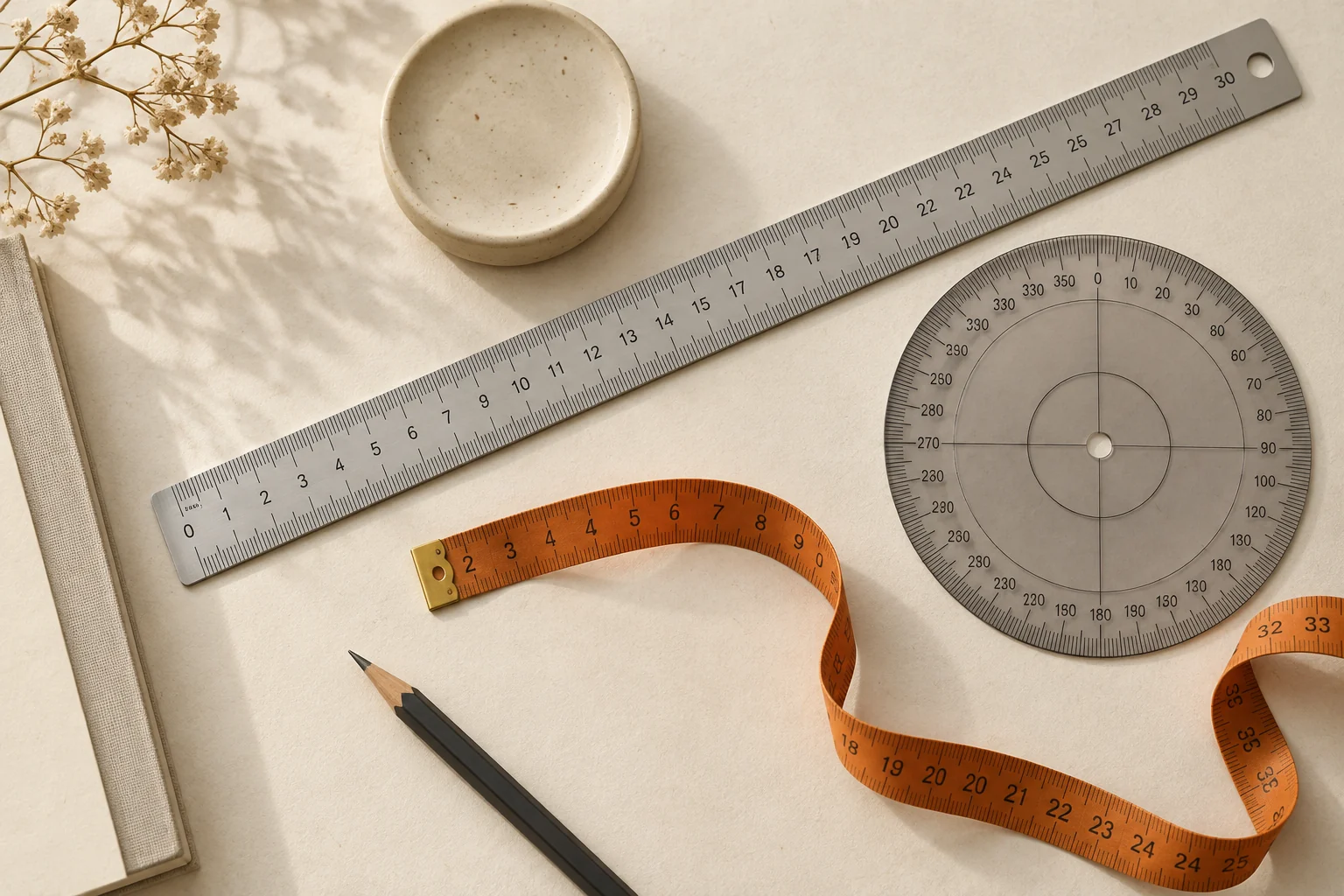
What would you like to measure?
Pick the tool for your next little question.

Online ruler
A simple way to turn your screen into a ruler.
Open toolLength measurement
Drag two guides to measure an object on your screen. View lengths in cm and inches, enter a target length and calibrate your display.
Open toolRectangle calculator
Calculate rectangle area and perimeter from width and height. Drag corners to measure on screen or enter dimensions in centimeters and inches.
Open toolCircle calculator
Enter a diameter to calculate circumference and circle area, or drag the circle handles to match a small object. Supports cm and inches.
Open toolOnline protractor
A 360-degree protractor with a fixed left zero baseline and one rotating arm. Top is 90 degrees and right is 180 degrees. Drag or enter an angle.
Open tool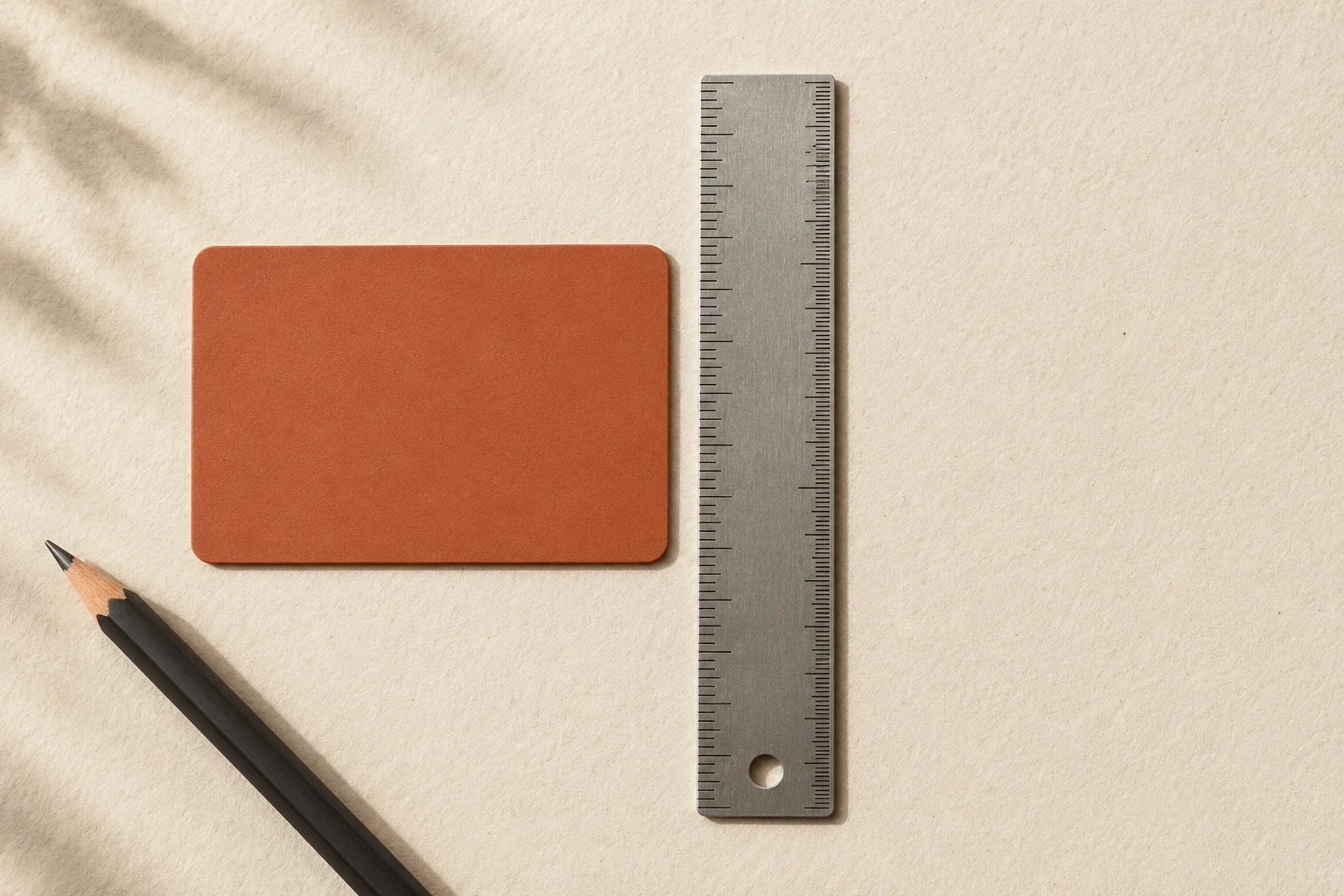
First, make it fit your screen.
Every display is different. Use a card to calibrate the scale before measuring physical objects.
Learn about calibrationThree small steps to get started
01 — 03Pick your tool
Length, area, circumference or an angle. Start with the right tool.
Calibrate your screen
For physical objects, match the screen to a card or a real ruler.
Make your measurement
Move the point held by Kkurei, or enter a number directly.
Made for everyday questions.
Each tool has a dedicated page with instructions, examples and the formulas behind the results. Use the ruler for straight measurements, the circle calculator for circumference, or the protractor for angles. Length readings require display calibration; numerical calculations use the values you enter.