
Screen Calibration Guide.
Match the screen to the real world.
Start with a physical reference
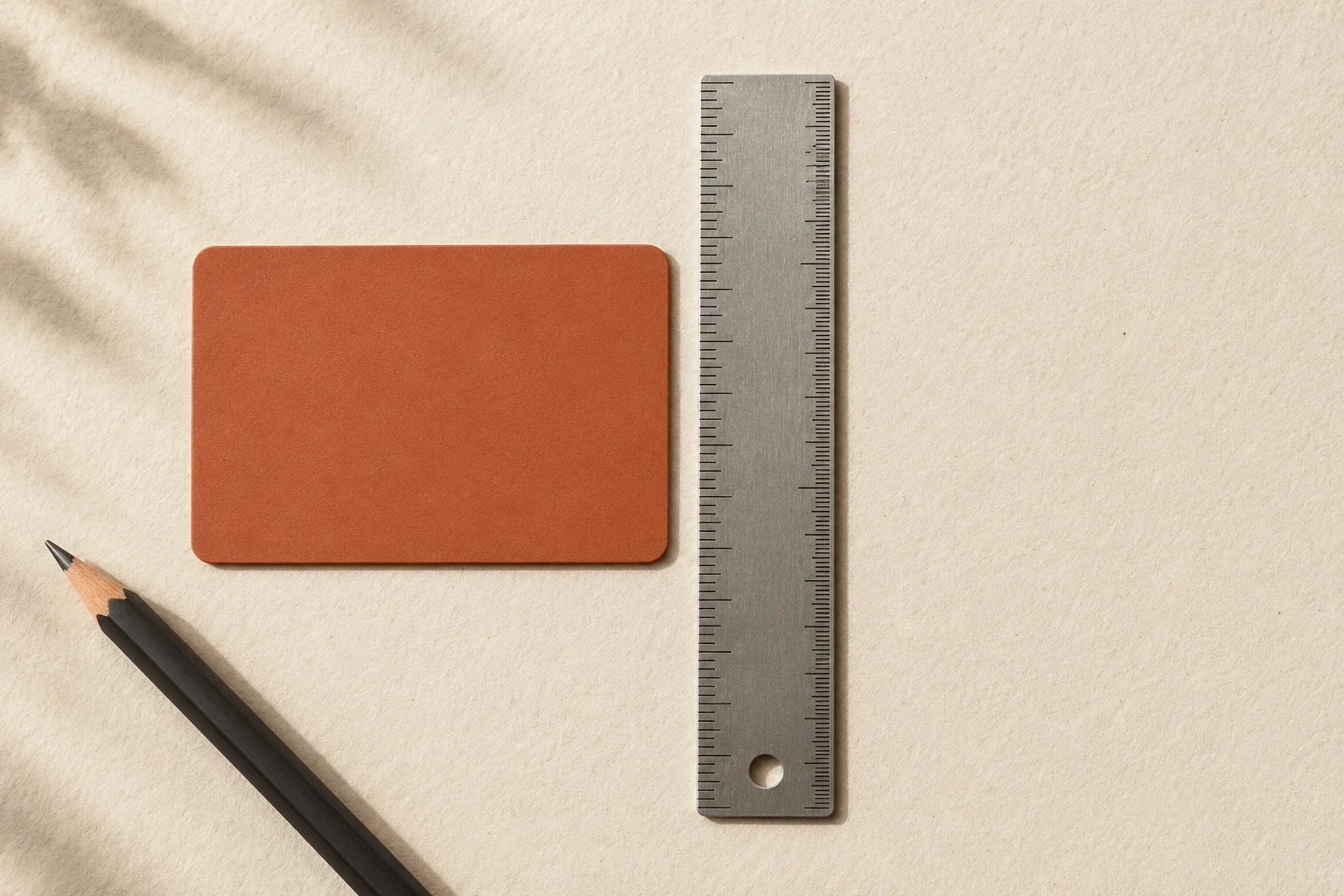
Open any length tool and choose “Calibrate your screen.” Use a standard payment card’s 8.56 cm long edge, or a known interval on a physical ruler. Use the slider at the top and match the two long orange vertical guides to the card. The controls sit at the bottom to leave room for the physical object. For fine adjustment, enter the number of pixels per centimeter directly.
Save and check the result
Save the setting, return to the ruler and compare several centimeters with a physical ruler. Recheck both the start and end points. The setting is stored locally in this browser when available; it is not synchronized across devices.
When to calibrate again
Repeat calibration when browser zoom, operating-system display scaling or the monitor changes. Full-screen mode and rotating a phone can change the usable area; check the scale after switching. Automatic detection cannot establish an exact physical scale for every device.
What calibration affects
Calibration changes the physical size of centimeter and inch markings and the screen shapes used for direct measurement. Numerical area formulas use the entered dimensions. Angles on an ordinarily scaled display do not depend on the centimeter calibration.
Open ruler and calibrate ↗